Menu-bar app
Local say by default, Keychain for OpenAI, voices, speed, music, and remote sessions.
Download Mac DMG Codex TTS Menu
Menu-bar and tray reader for Codex
Listen to Codex responses directly from your active desktop session: local, free, and private by default on macOS or Windows, with optional OpenAI Audio.
Why it helps
The app sits in your macOS menu bar or Windows tray and speaks new visible Codex output while you keep reading, comparing, or working in another window. It is built for long agent responses, remote sessions, and focused pairing with Codex.
Downloads
Local say by default, Keychain for OpenAI, voices, speed, music, and remote sessions.
Download Mac DMGLocal Windows Speech API by default, optional OpenAI, a DPAPI-encrypted key, and a settings window with a paste field. The current beta is still unsigned.
Download Windows x64 ZIP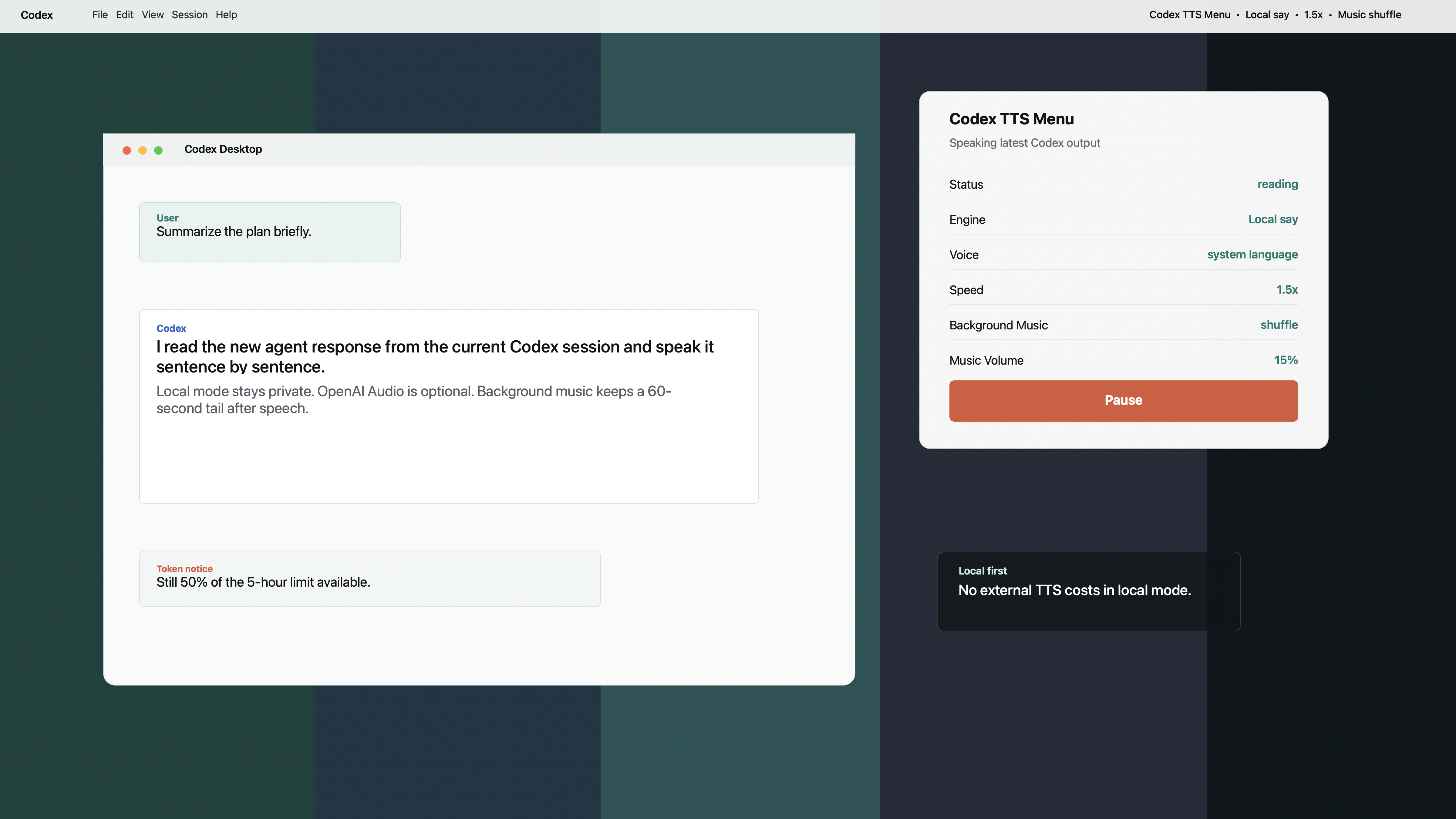
Features
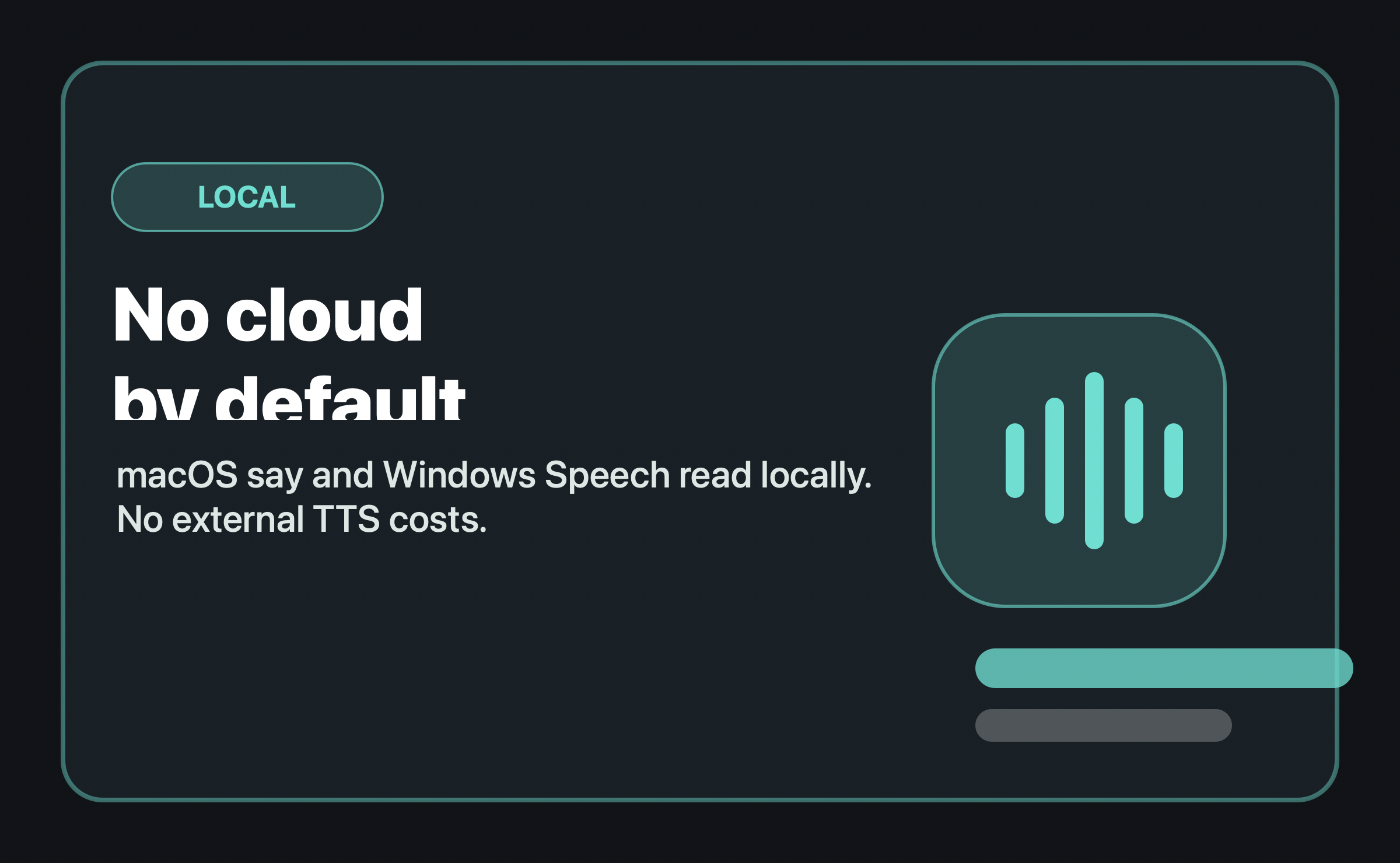 Local first
By default, no text leaves your computer. Local speech is free and ready immediately.
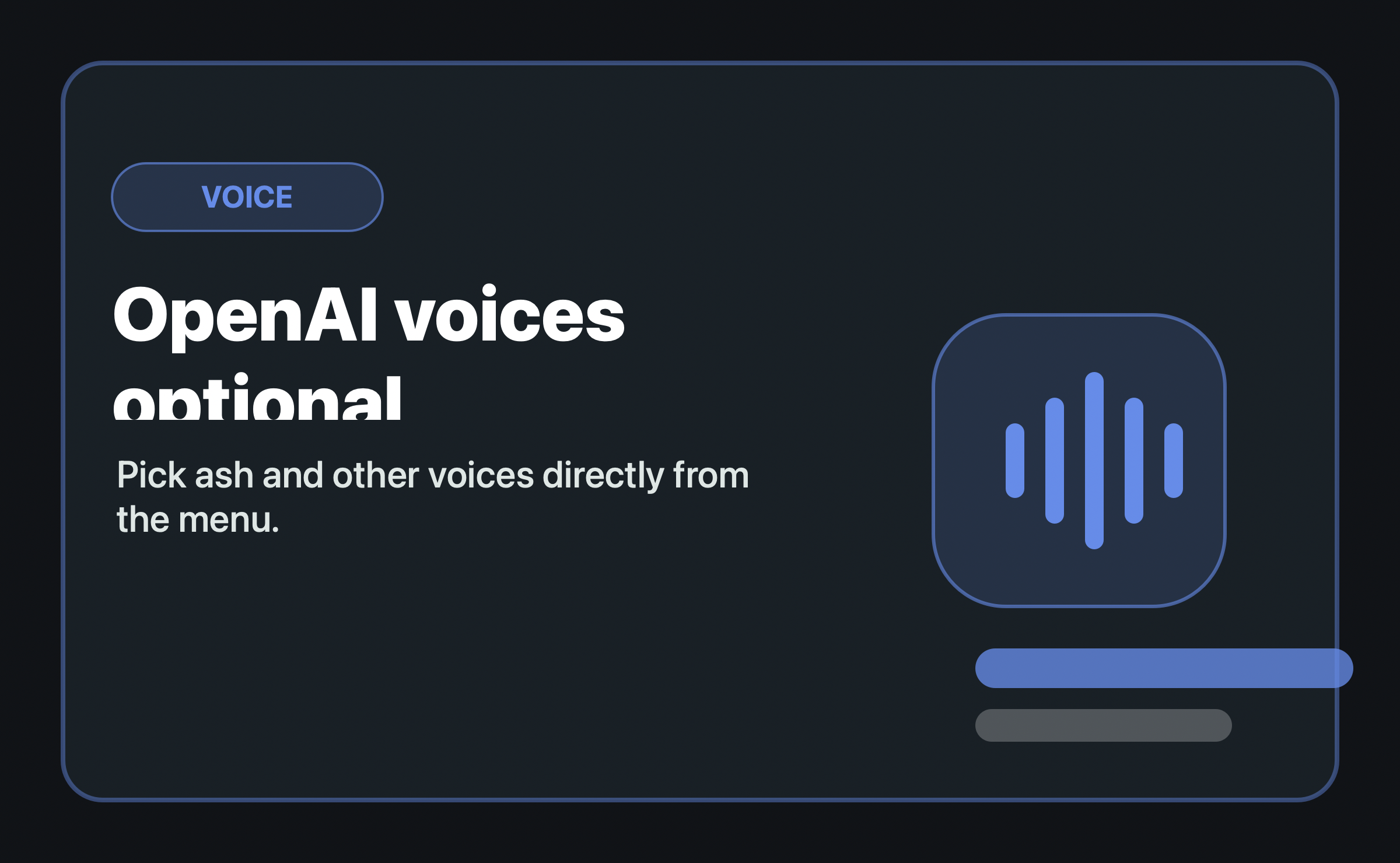 OpenAI optional
Optionally use OpenAI Audio with selectable voices. API keys can be pasted directly on Mac and Windows.
 Speed
Speed
Read-aloud speed is adjustable. The default is 1.5x for quick listening.
 Music
Music
Shuffle or single-track loop, separate volume, and a 60-second tail after the last spoken output.
 Remote
The app can read local Codex logs and follow active remote sessions through existing SSH connections.
 Focus
Focus
Pause is reliable, the queue stays short, and microphone muting can be toggled from the menu.
How it works
Start Codex Desktop and work in your session as usual.
Choose local output or OpenAI Audio, voice, and speed from the menu. API keys can be pasted directly.
New agent responses are read aloud sentence by sentence, without keeping the session in view.
Privacy
In local mode, Codex TTS Menu uses macOS say or the local Windows Speech API. Your Codex output is not sent to an external speech service. OpenAI Audio is optional and stores the API key in macOS Keychain or via Windows DPAPI.
Default: local speech output, no external TTS costs.
Optional: OpenAI voices like ash with direct API-key input.
Note: the Mac beta is currently developer-signed; the Windows beta is still unsigned and may appear in SmartScreen as Unknown Publisher.
Beta Download
For Mac and Windows users who want to follow Codex in the background without staring at the session.